 ba4f2bf128
Also squashes:

[Sketcher] Create center of gravity constraint in planegcs

[Sketcher] typo

[Sketcher] Use accurate "weights" for knots

By weights we mean the linear combination factor B_i(x) such that
spline(x) = sum(pole_i * B_i(x)) for _non-rational_ splines.

[Sketcher] Use more appropriate weights for knots

These are relevant for knots _away_ from any ends (and possibly other high
multiplicity knots).

[Sketcher] Make COG constraint weights user-definable

[Sketcher] Make `flattenedknots` for periodic B-Splines

[Sketcher] Fix incorrect setup of `flattenedknots`

Without ensuring enough space, iterators become invalid. These iterators are
needed because for periodic B-splines we need to pad flattenedknots with offset
values within flattenedknots.

Apparently there is still some iterator issues even after the reserve. Just use
fresh vectors instead.

[Sketcher] Apply knot constraints by parameter

Hopefully this will allow directly applying constraints on knots.

[Sketcher] Disable some knot updating

[Sketcher] Use center of gravity constraint on knots

[Sketcher] Fix knot COG constraint for periodic splines

[Sketcher] Add start/end point of periodic spline to solver

This removes the trouble of transferring constraints to the underlying knot.

[Sketcher] Support knot constraints on rational B-splines

[Sketcher] Remove virtual from overridden methods in planegcs

Follow 0penbrain's comments

[Sketcher][planegcs] Use `unsigned int` in signatures

Also `size_t` at places

Suggestions by @abdullahtahiriyo

Your own 3D parametric modeler
Website • Documentation • Forum • Bug tracker • Git repository






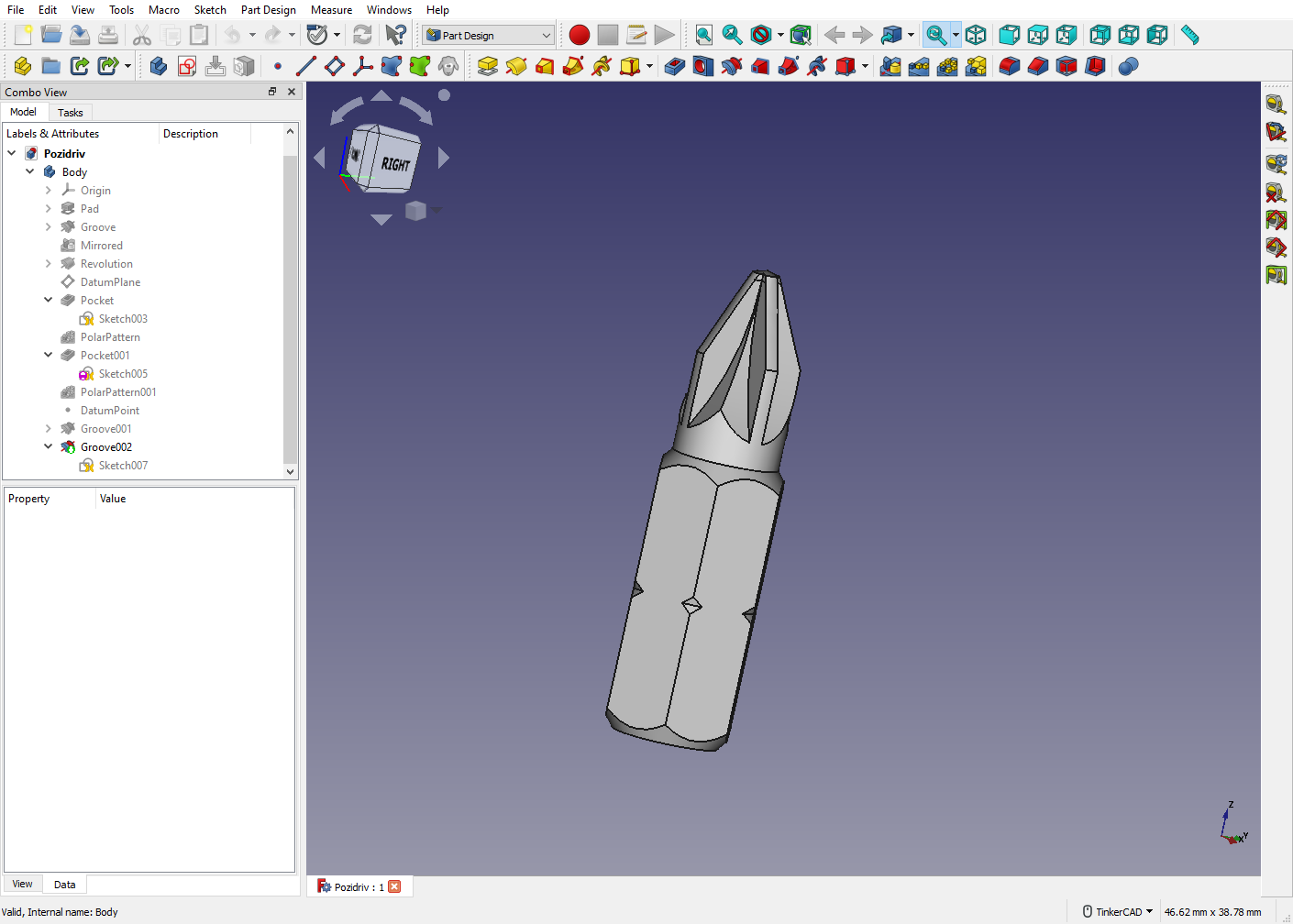
Overview
-
Freedom to build what you want FreeCAD is an open-source parametric 3D modeler made primarily to design real-life objects of any size. Parametric modeling allows you to easily modify your design by going back into your model history to change its parameters.
-
Create 3D from 2D and back FreeCAD lets you to sketch geometry constrained 2D shapes and use them as a base to build other objects. It contains many components to adjust dimensions or extract design details from 3D models to create high quality production-ready drawings.
-
Designed for your needs FreeCAD is designed to fit a wide range of uses including product design, mechanical engineering and architecture, whether you are a hobbyist, programmer, experienced CAD user, student or teacher.
-
Cross platform FreeCAD runs on Windows, macOS and Linux operating systems.
-
Underlying technology
- OpenCASCADE A powerful geometry kernel, the most important component of FreeCAD
- Coin3D library Open Inventor-compliant 3D scene representation model
- Python FreeCAD offers a broad Python API
- Qt Graphical user interface built with Qt
Installing
Precompiled packages for stable releases are available for Windows, macOS and Linux on the Releases page.
On most Linux distributions, FreeCAD is also directly installable from the software center application.
For development releases check the weekly-builds page.
Other options are described at the wiki Download page.
Build Status
| Master | 0.20 | Translation |
|---|---|---|
|
 |
|
Compiling
Compiling FreeCAD requires installation of several libraries and their development files such as OCCT (Open Cascade), Coin and Qt, listed in the pages below. Once this is done, FreeCAD can be compiled with CMake. On Windows, these libraries are bundled and offered by the FreeCAD team in a convenient package. On Linux, they are usually found in your distribution's repositories, and on macOS and other platforms, you will usually have to compile them yourself.
The pages below contain up-to-date build instructions:
Reporting Issues
To report an issue please:
- First post to forum to verify the issue;
- Link forum thread to bug tracker ticket and vice-a-versa;
- Use the most updated stable or development versions of FreeCAD;
- Post version info from eg.
Help > About FreeCAD > Copy to clipboard; - Post a Step-By-Step explanation on how to recreate the issue;
- Upload an example file to demonstrate problem.
For more detail see:
Usage & Getting help
The FreeCAD wiki contains documentation on general FreeCAD usage, Python scripting, and development. These pages might help you get started:
The FreeCAD forum is also a great place to find help and solve specific problems you might encounter when learning to use FreeCAD.
This project receives generous infrastructure support from
 and KiCad Services Corp.